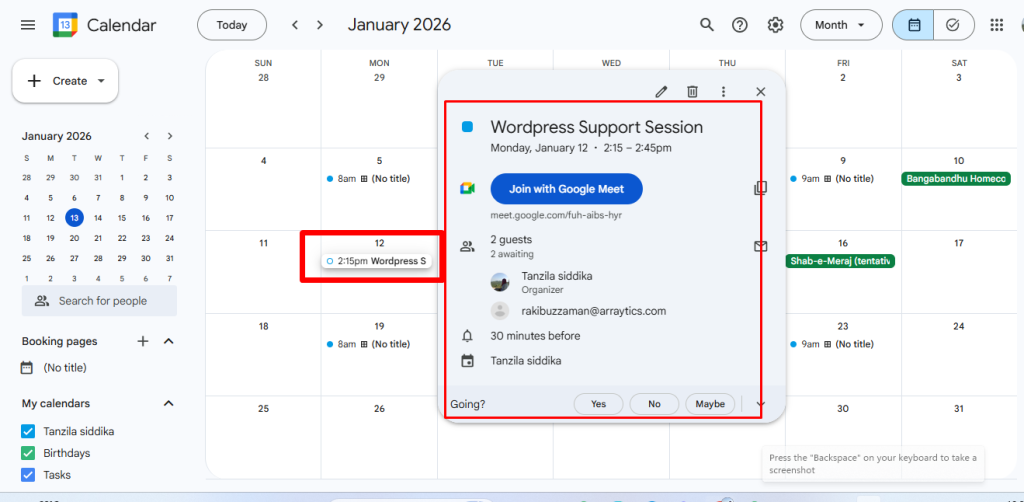
Timetics AI allows you to integrate your Google Calendar to automatically sync bookings and appointments. Once connected, all scheduled bookings will appear directly in your Google Calendar, helping you manage availability and events seamlessly.
How to Connect Google Calendar
Follow the steps below to integrate Google Calendar with Timetics AI:
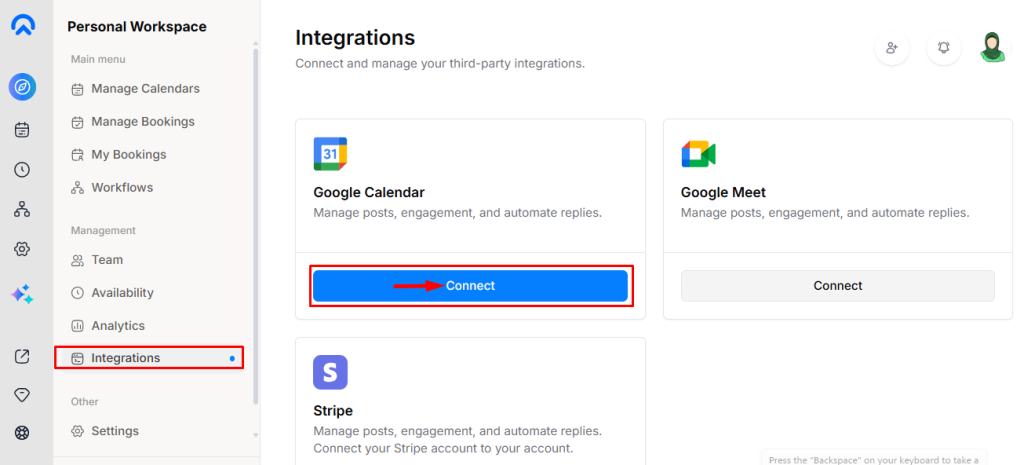
- Go to Dashboard → Integrations and click Connect under Google Calendar.
- Sign in with your Google account and allow the required permissions.
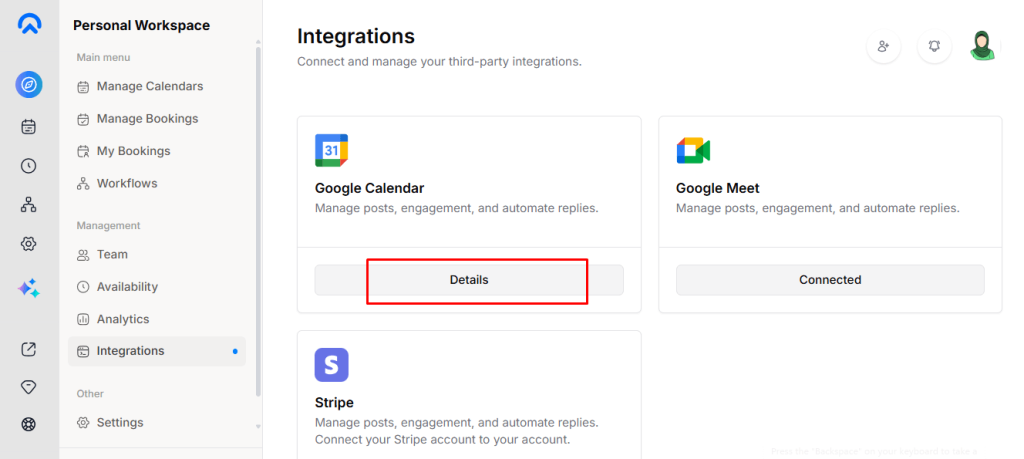
- After successful authorization, your Google Calendar will be connected instantly.
- Click Details to verify the calendar connection status.
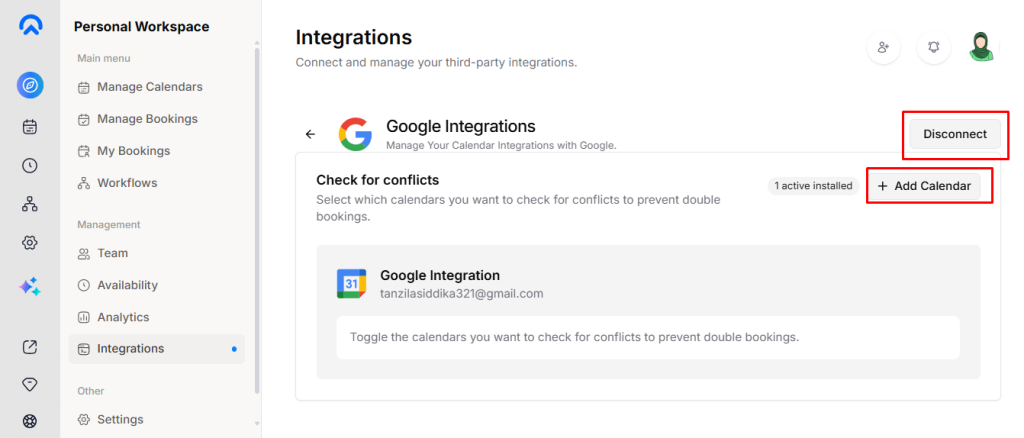
- You can connect multiple Google Calendars if needed.
Any booking or appointment created in Timetics AI will automatically sync to your Google Calendar.