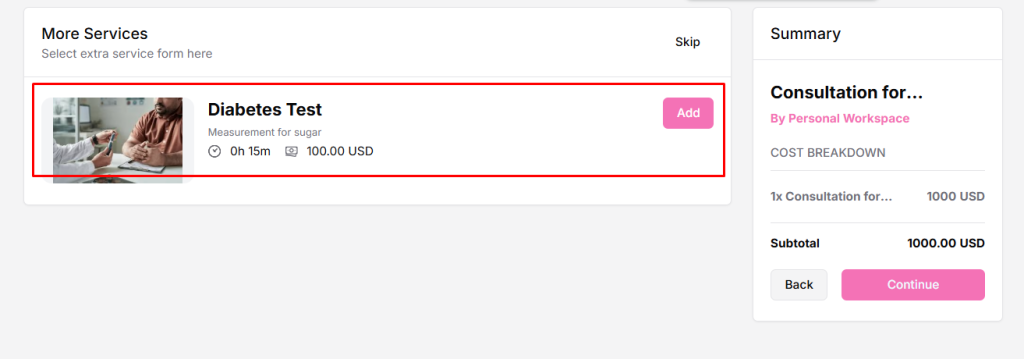
Extra services let you offer optional add-ons with a booking, giving clients more choices and helping increase booking value. For example, if you are offering a spa session, an extra service could be “Aromatherapy” or “Hot Stone Massage” that clients can select optionally during booking.
Why Use Extra Services?
- Provides clients with more flexibility and options.
- Increases the overall booking value by upselling additional services.
- Lets you offer multiple services per booking.
Watch the full video to add extra services in Timetics.ai.
How to Add Extra Services
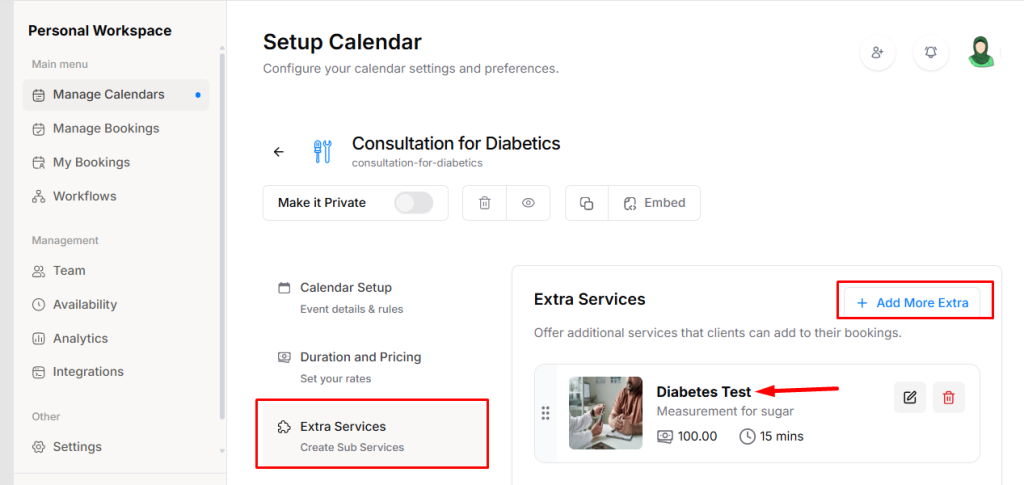
- Go to Service Booking → Extra Services → click on “Add Extra Service”.
- In the pop-up, fill in the following:
- Service Title – The name of the extra service.
- Short Description – A brief description of the service.
- Duration – How long this service takes.
- Price – The additional cost for the service.
- Thumbnail – Optional image representing the service.
- Click Save. The extra service will now be added to your main service and available for clients to select during booking.
You can repeat the above steps to add multiple extra services for the same booking, giving clients more choices.
How Extra Services Look on the Frontend Booking Form