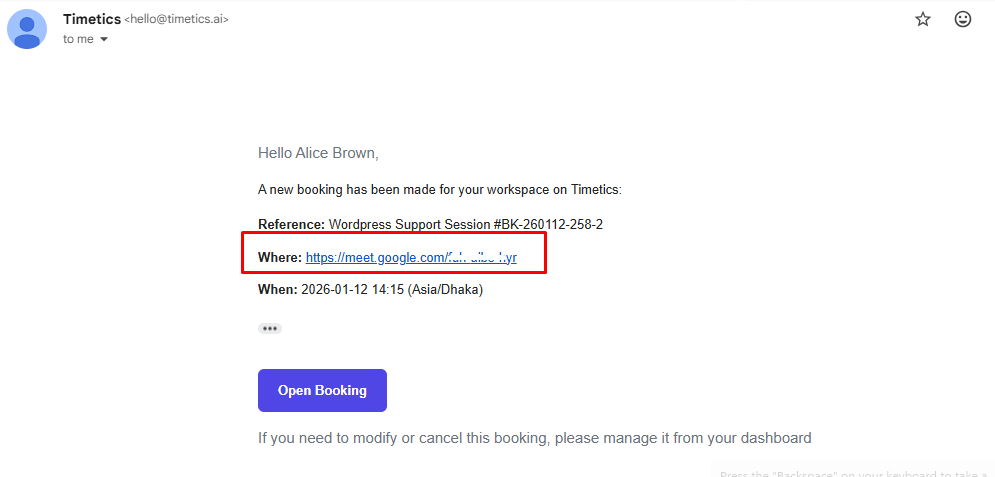
Timetics AI allows you to seamlessly schedule and manage online bookings or service sessions using Google Meet. By integrating Google Calendar with Timetics AI, you can automatically generate Google Meet links for your online sessions, ensuring a smooth experience for both you and your clients. This integration saves time, reduces manual work, and ensures that every client receives the meeting details directly via email.
How to Connect Google Meet
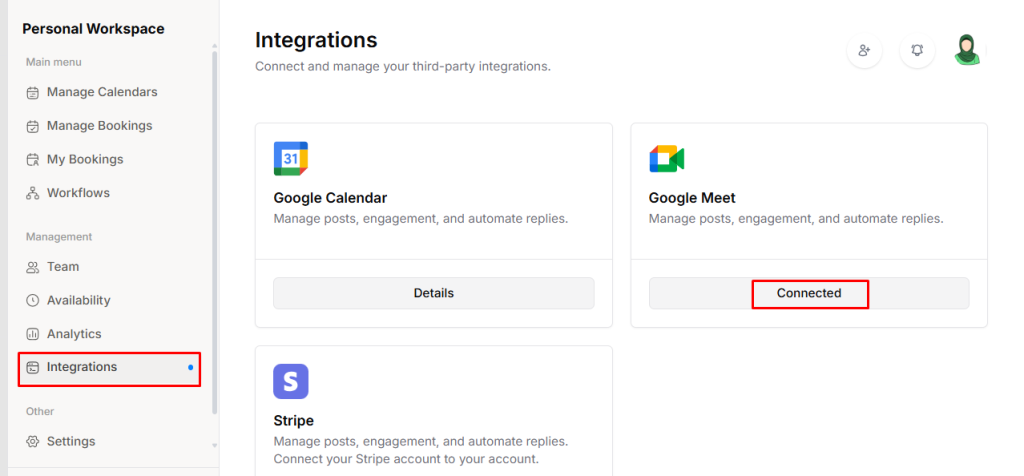
First, you need to connect your Google Calendar, once the calendar is connected, Google Meet will be automatically linked. Follow the previous documentation to complete the Calendar connection process.
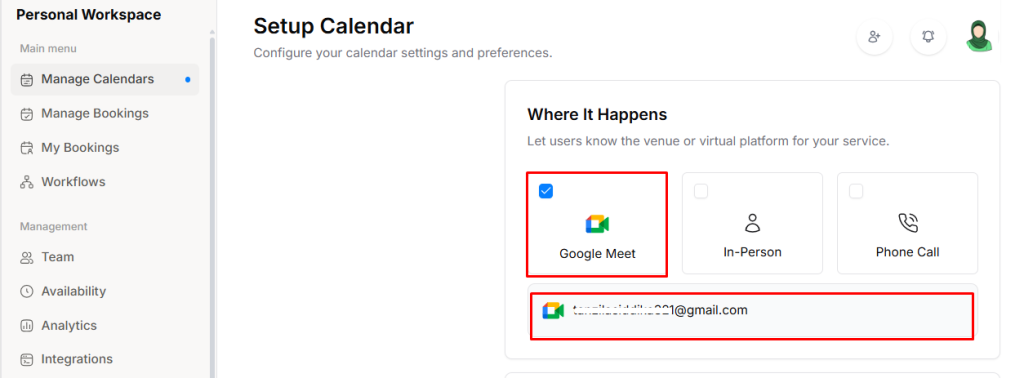
Then go to Manage Calendars → Setup Calendar, and in the Where It Happens section, select Google Meet.
When a booking is created and Online Session is chosen, the system will automatically generate a Google Meet link. Once the booking is confirmed, the Google Meet link will be automatically sent to the client’s email.