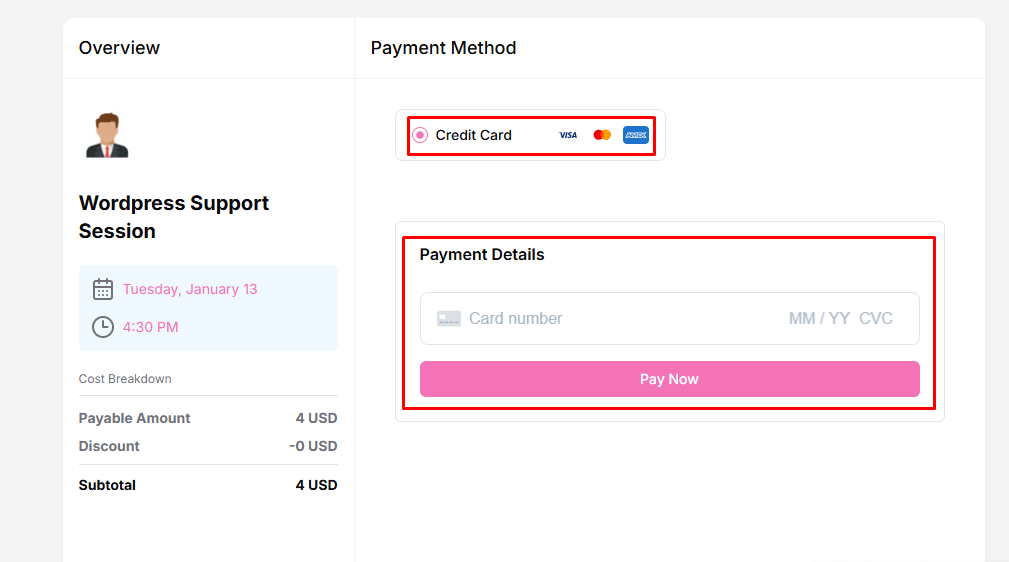
Timetics AI allows you to accept online payments for bookings using Stripe. By connecting your Stripe account, you can securely process payments directly through your booking system, making it easy for your clients to pay online.
Connect Stripe with Timetics AI
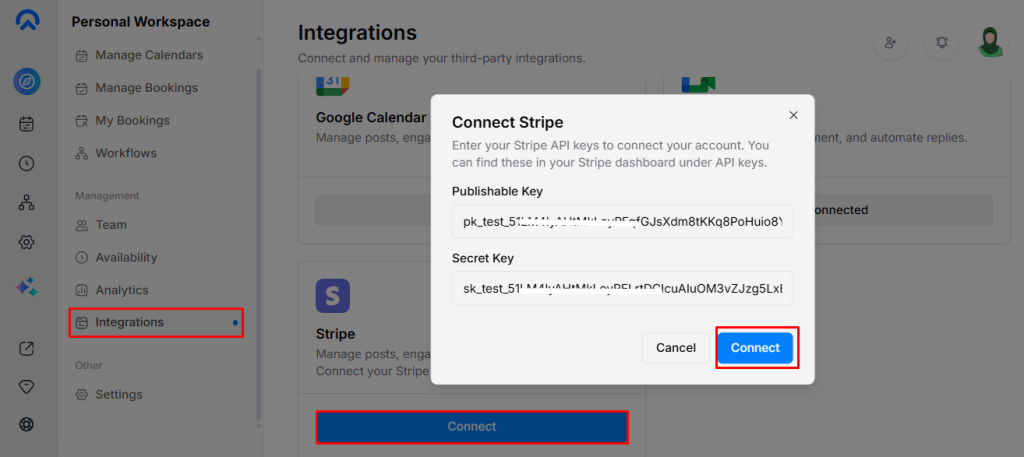
- Open the Timetics AI dashboard → Integrations → Stripe → Click the Connect button.
- Enter your API Keys: In the pop-up, provide the Publishable Key and Secret Key, then click Save.
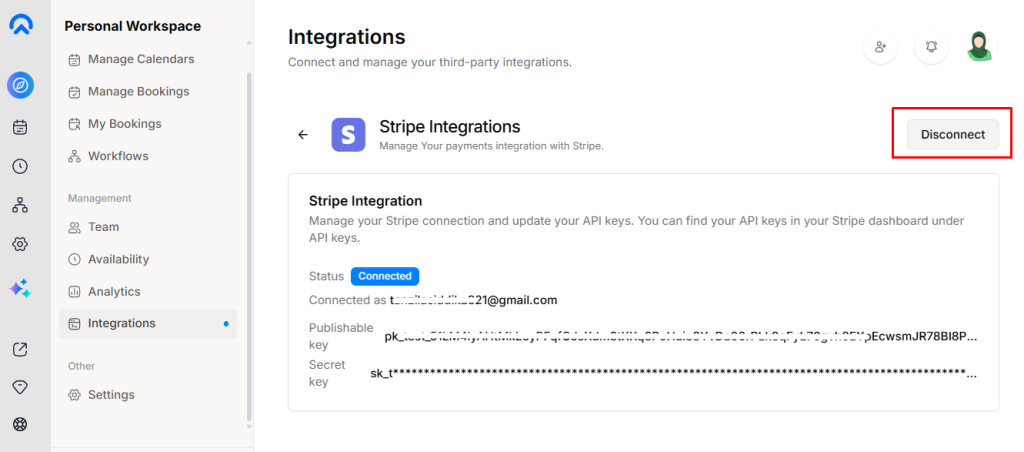
- Stripe is now active for booking payments.
Clients can complete their payment via Stripe when booking any service.